






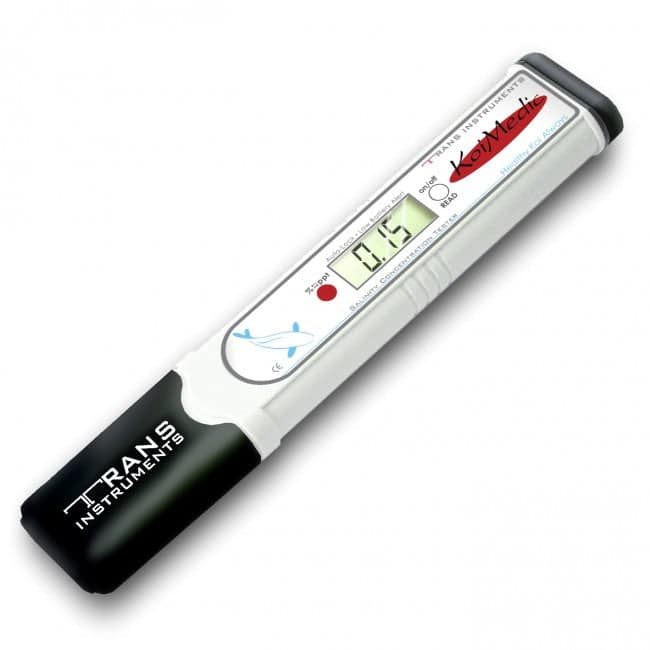
KoiMedic Digital Pond Salinity Tester – % and ppt
| Brand | |
|---|---|
| Supplier SKU | TK961 |
| Supplier Availability | In stock |
| Resolution | 0.01% / 0.1ppt |
| Measuring Range | 0.00–1.00% / 0.0–10.0ppt |
Fast, direct measurement of pond salt concentration in % or ppt. The KoiMedic tester covers 0.00 to 1.00%, includes automatic temperature compensation and one touch calibration, and is ideal for koi ponds, quarantine vats and hospital tanks.
£109.45 (inc VAT)
KoiMedic Digital Pond Salinity Tester
The KoiMedic Digital Pond Salinity Tester gives a direct reading of the salt concentration in pond water. It displays the result as either a percentage or parts per thousand, so you can check what is actually in the pond before adding more salt, changing water or beginning a treatment that may be affected by residual salt.
This is especially useful on koi ponds, quarantine vats and hospital tanks. Salt does not evaporate, and the concentration left behind after an earlier treatment is easy to underestimate. A measured result is much safer than relying on the stated pond volume or trying to remember how much salt was added previously.
Why use a digital pond salt meter?
A pond volume calculation gives an estimate. The KoiMedic meter checks the water itself. That matters because the true pond volume can differ from the original estimate, water changes dilute salt, top ups do not remove it, and repeated dosing can gradually raise the concentration.
- Check the starting salinity before any new salt is added
- Monitor a deliberate salt treatment without relying on guesswork
- Confirm how much salt remains after partial water changes
- Check a quarantine vat or hospital tank quickly
- Identify residual salt before using a medication or treatment with compatibility restrictions
Percentage and ppt readings explained
The meter can show the same reading in two formats. One percent is equal to 10 parts per thousand, so 0.10% is the same as 1.0ppt and 0.30% is the same as 3.0ppt. In freshwater, 1.0ppt is approximately one kilogram of salt per 1,000 litres of water. The correct target still depends on why salt is being used, the fish, plants and any other treatment in the pond.
How to use the KoiMedic salinity tester
- Rinse the sensor area with clean water.
- Take a representative pond sample or immerse the sensor to the marked level.
- Switch the meter on and select either % or ppt.
- Press the read button and hold the tester still while the display settles.
- Record the reading and date before deciding whether any further salt is needed.
- Rinse the sensor thoroughly after use so dried salt does not affect later readings.
Allow added salt to dissolve and circulate fully before testing again. Do not take a reading next to undissolved salt or immediately beside the point where it was introduced.
Verified specifications
| Display units | Percentage (%) or parts per thousand (ppt) |
|---|---|
| Measuring range | 0.00 to 1.00% / 0.0 to 10.0ppt |
| Resolution | 0.01% / 0.1ppt |
| Stated accuracy | ±0.03% / ±0.3ppt |
| Temperature compensation | Automatic, 0 to 50°C |
| Automatic shut off | Approximately 15 minutes |
| Battery | 4 × 1.5V A76 or LR44 button cells |
| Approximate battery life | 150 hours of continuous use |
| Product dimensions | 170 × 32 × 15mm |
| Approximate weight | 70g |
| Product reference | TK961 |
Calibration and care
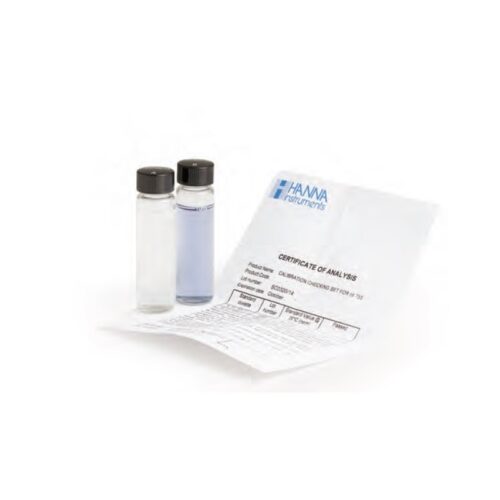
Use the correct 0.5% / 5ppt salinity standard when calibration is required. The manufacturer warns against attempting calibration without the correct standard solution because an incorrect calibration will affect every later reading. Rinse the sensor before and after each test, keep the battery cap secure and follow the supplied instructions for storage.
Our practical advice: Keep a simple pond log with the date, salt reading, water change and any treatment used. It is much easier to make a safe decision when the recent history is written down.
Useful products to use alongside the meter
- Broste PDV Pond Salt 25kg for measured pond and quarantine use
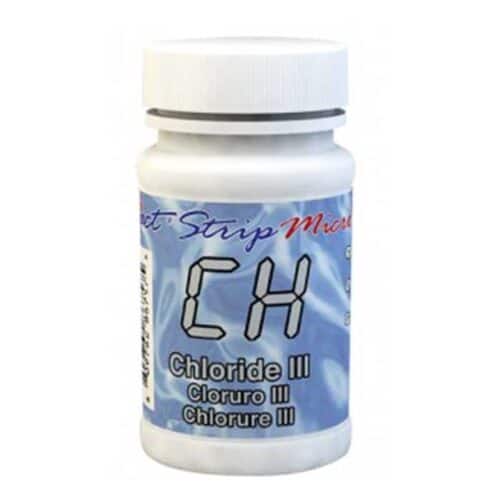
- Aqua Source eXact iDip Chloride Salt Test Strips for use with a compatible eXact photometer
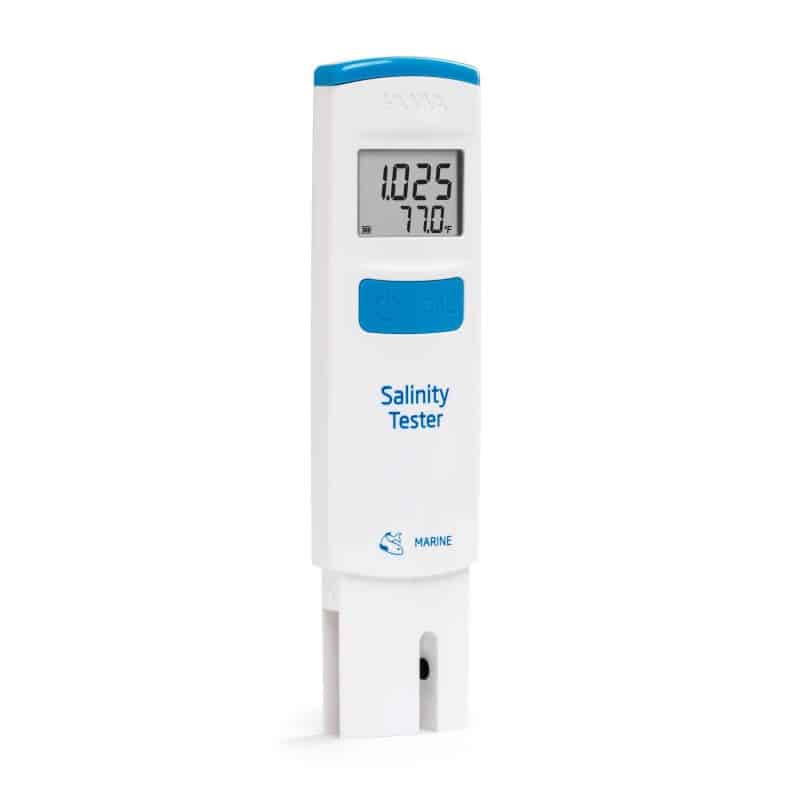
- Hanna HI98319 Salinity Tester when comparing an alternative digital salinity meter
- Pond water testing equipment for checking the other parameters that affect fish health
Frequently asked questions
What is the difference between % and ppt?
They are two ways of expressing the same concentration. A reading of 0.10% is equal to 1.0ppt, while 0.30% is equal to 3.0ppt.
Does salt evaporate from a pond?
No. Water evaporates but salt remains. Salt concentration is normally reduced by removing salted water and replacing it with fresh water.
Does the tester calculate how much salt to add?
No. It measures the present concentration. The amount to add depends on the true water volume, the existing reading and the reason salt is being used.
Can it measure strong brine?
No. The stated upper limit is 1.00% or 10.0ppt, so it is intended for pond water and similar low concentration applications.
How quickly should I retest after adding salt?
Wait until the salt has dissolved completely and the pond or tank has circulated thoroughly. Testing beside undissolved salt will give an unrepresentative result.
Do I need calibration fluid?
Use the specified 0.5% / 5ppt standard whenever calibration is required. Do not try to calibrate with an improvised salt mix.
Should the sensor be rinsed after use?
Yes. Rinse it with clean water after every reading. Dried salt on the sensor can reduce accuracy.
Can I use salt with any pond treatment?
No. Check the treatment instructions before combining products. Some medications, plants and treatment plans are not compatible with the same salt concentration.
Compare related pond testing equipment
Browse our complete range of pond water testing and purification products, or visit fish health and disease treatments when planning a wider water quality or treatment check.


Reviews
There are no reviews yet.